
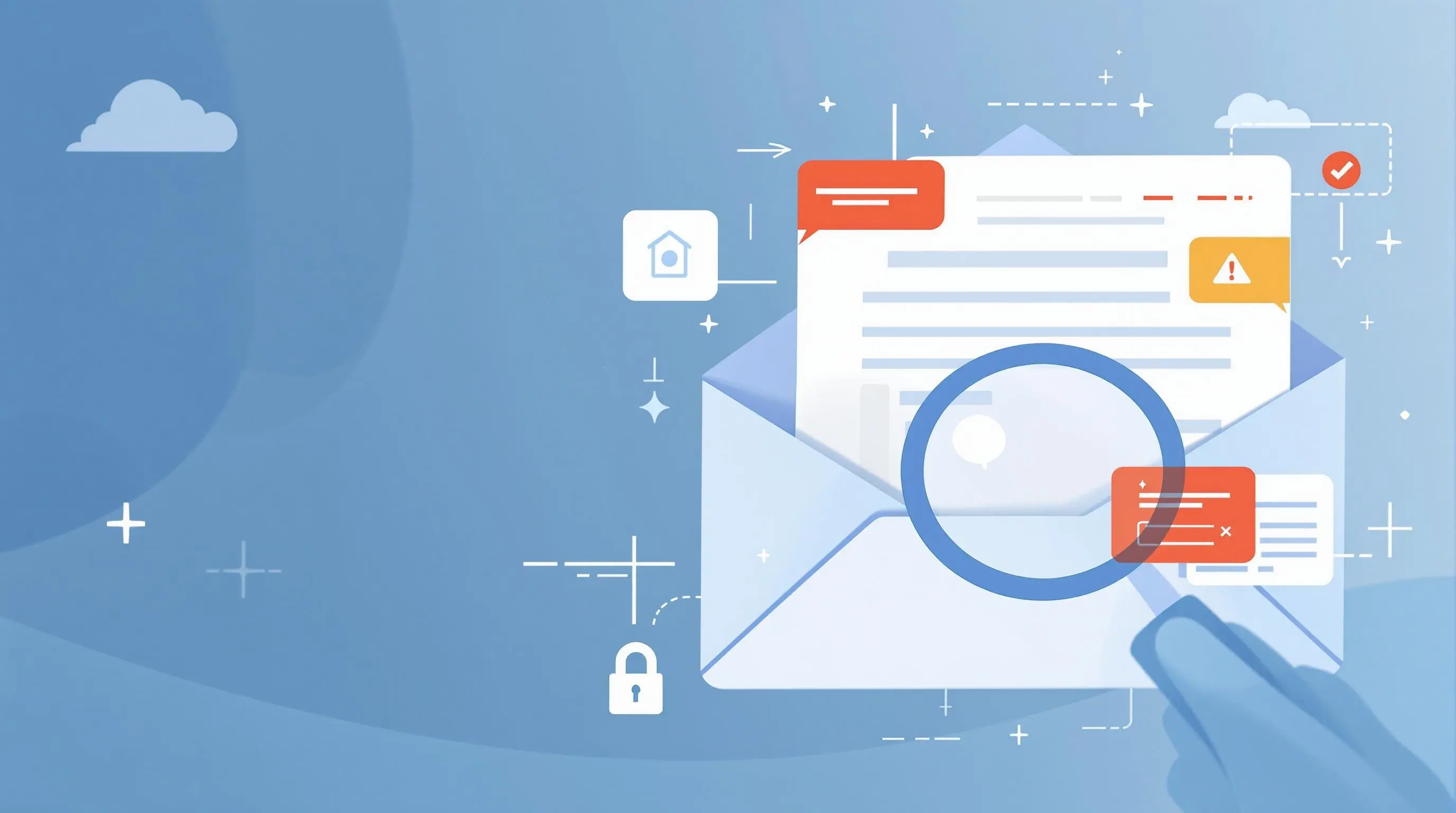
How to Check if a Link in an Email is Secure - Essential Guide for 2025

Learn how to verify email links and protect your business from cyber threats. Discover expert tips for identifying secure links, avoiding phishing attacks, and implementing robust email security measures.

Garry BloomGarry Bloom · Founder & CEO
9 January 2025
5 min read
Email Security
Cybersecurity
Link Safety
Phishing Prevention

Checking secure email links

In today's digital landscape, clicking on malicious links remains one of the most common ways cybercriminals infiltrate businesses. Understanding how to verify email links is crucial for maintaining your organization's security. Want to evaluate your current security measures? Take our free security assessment.


According to recent data from IBM's Security Report, 75% of phishing attacks involve links that appear trustworthy. Cybercriminals use these deceptive links to:

  • Steal login credentials
  • Install malware or ransomware
  • Redirect users to convincing fake websites
  • Compromise business data


  • Place your mouse pointer over the link (don't click!)
  • Check if the preview URL matches the claimed destination
  • Watch for slight variations (e.g., yourb4nk.com vs. yourbank.com)

2. Look for HTTPS

  • Secure websites start with https://
  • Avoid links starting with http://
  • Check for the padlock icon in your browser

3. Check for Subdomain Tricks

  • Look for deceptive domains like paypal-secure-login.com
  • Legitimate sites use their main domain (e.g., paypal.com)
  • Be wary of hyphens or numbers in domain names


  1. Don't Click the Link

    • Trust your instincts
    • Better safe than compromised
  2. Verify with the Sender

    • Contact them through official channels
    • Never use contact details from suspicious emails
  3. Enable Protection


Steps Your Business Can Take to Stay Safe 🛡️

Implement Strong Security Measures

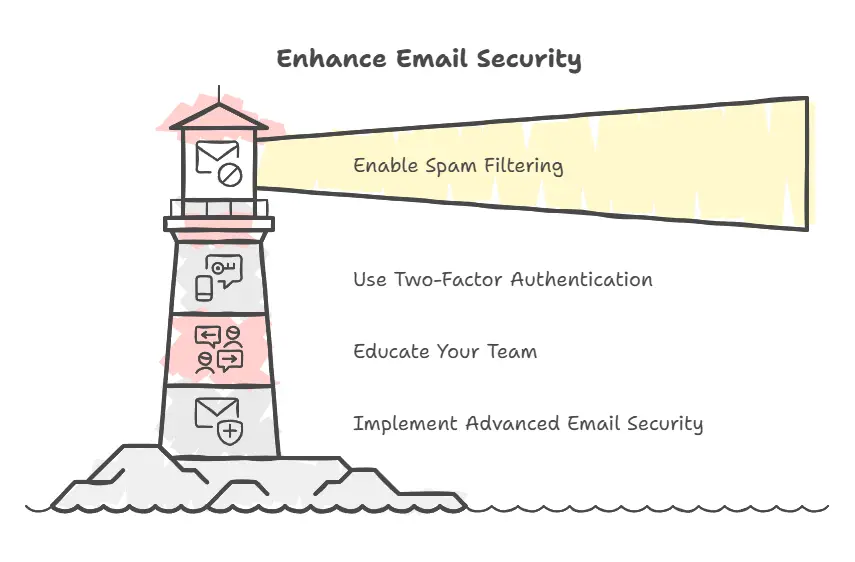
  1. Enable robust spam filtering
  2. Use Two-Factor Authentication (2FA)
  3. Keep systems updated
  4. Deploy comprehensive security solutions

Employee Training Best Practices

  • Regular security awareness sessions
  • Phishing simulation exercises
  • Clear reporting procedures
  • Ongoing updates about new threats

How We Can Help

At IT Support Perth, we offer comprehensive protection against malicious links and other cyber threats:

  1. Advanced Email Security

    • Enterprise-grade spam filtering
    • Real-time threat detection
    • Automated security updates
  2. Employee Training Programs

    • Interactive security workshops
    • Regular phishing simulations
    • Best practice guidelines
  3. 24/7 Security Monitoring

    • Continuous threat assessment
    • Rapid incident response
    • Regular security audits

Ready to strengthen your email security? Contact us for a comprehensive security assessment or take our free security evaluation today.

Garry Bloom
Written by
Garry Bloom
Founder & CEO · 25+ years in IT

Garry founded Computer Mechanics — the business behind IT Support Perth — in 1997. With more than 25 years in IT management and support across internal and external service environments, he leads the team's technical direction and its cybersecurity and managed-IT strategy for Perth businesses.

Meet the IT Support Perth team →
Garry Bloom
9 January 2025
5 min read
Email Security
Cybersecurity
Link Safety
Phishing Prevention

Stay Updated with IT Insights

Get the latest cybersecurity tips and technology insights delivered to your inbox

Related Articles

September Patch Broke Remote Desktop on Windows Server: What Perth Businesses Must Check

September's Patch Tuesday fixed a critical, unauthenticated Remote Desktop flaw — then the same update broke RDS on Windows Server, forcing hard reboots. Here's what Perth businesses need to check. From Computer Mechanics, Perth IT specialists since 1997.

5 min read

Passkeys Are Now Default in Microsoft 365: What Perth Businesses Must Check

Microsoft has switched Entra ID to passkeys by default and is retiring SMS and voice sign-in codes by February 2027. Here's what Perth businesses need to check now. From Computer Mechanics, Perth IT specialists since 1997.

5 min read

Two Chrome Zero-Days in a Week, Plus a Firewall Alert: What to Check Now

Google patched two actively exploited Chrome zero-days within a week, while CISA flagged actively exploited flaws in Cisco, Citrix and Fortinet security gear. Here's what Perth businesses should check this week. From Computer Mechanics, Perth IT specialists since 1997.

5 min read

Need Expert IT Support?

Get personalized advice from our Perth IT experts. Free consultation available.

Related Content

Continue Reading

Explore more insights and expert advice on IT support, cybersecurity, and digital transformation

Quishing: Why QR Code Scam Emails Are Slipping Past Perth Business Inboxes
Cybersecurity
Phishing

Quishing: Why QR Code Scam Emails Are Slipping Past Perth Business Inboxes

QR code phishing (quishing) jumped 146% in the first quarter of 2026, and attackers are now hiding QR codes inside PDF attachments to dodge email filters. Here's how it works and how Perth businesses can stop it. From Computer Mechanics, Perth IT specialists since 1997.

5 min read
8/10/2026
How to Identify Phishing Emails - A Complete Guide to Email Security in 2024
Cybersecurity
Email Security

How to Identify Phishing Emails - A Complete Guide to Email Security in 2024

Learn how to spot and protect against phishing emails with our comprehensive guide. Discover key warning signs, prevention strategies, and expert security tips to keep your business safe from cyber threats.

5 min read
1/9/2025
Fake 'Australian Federal Police' Calls: When the 'Proof' Is a Real Government Email
Cybersecurity
Scams

Fake 'Australian Federal Police' Calls: When the 'Proof' Is a Real Government Email

A scam caller posing as the AFP made a genuine, fully-authenticated email from cyber.gov.au land in a Perth inbox as 'proof' he was real. Here's how the trick works and why a verified email never verifies the caller. From Computer Mechanics, Perth IT specialists since 1997.

5 min read
8/20/2026
Call us